July 30, 2026
- Full customer site redesign—sales page, checkout, setup dashboard, and setup guide now match our shared brand system.
A trope and spice-level index for your catalogue, powered by a Notion database you already own. Readers filter by trope tags and spice level to find their next read in seconds—embed it in Notion, WordPress, Squarespace, or anywhere that accepts HTML.
Multi-select chips for every trope in your catalogue—enemies to lovers, grumpy x sunshine, forced proximity. Toggle between “match any” and “match all”.
A tappable chili-flame range filter, 1 through 5. Readers narrow the whole grid to exactly their comfort level in one gesture.
Series group together and sort by book number automatically. Standalones sort by your own custom order, newest or however you prefer.
Title and author is all it takes—covers resolve via Open Library and Google Books, cached forever after the first lookup.
Tap any cover for the full blurb, spice indicator, trope tags, and buy links to every retailer you're listed on.
Defaults to a charcoal dark background. Add &theme=light to your embed URL for a version that blends into any page.
A widget that turns a Notion database of your books into a filterable, mood-first browsing grid—readers pick a trope and a spice level, and find their next read in seconds. Embeddable in Notion or as an iframe anywhere else.
No. Trope Map works on Notion's free plan. If you can create a database, you're set—a free pre-built template is included.
Yes—that's a core feature. After setup you get both a Notion embed URL and a standard iframe snippet for WordPress, Squarespace, Wix, Elementor, or anywhere else that accepts HTML.
You'll receive a private setup link by email the moment you purchase, along with the full setup guide. Setup is one-time: connect your Notion database and paste your widget URL wherever you want it embedded.
One payment, yours for good. No subscription, no renewal, no monthly fee. Every feature added in the future is included free.
Use the recovery form and a new setup link will be sent to the email you purchased with.
Because it's a digital product delivered instantly, all sales are final. If something isn't working as described, reach out and it'll get made right.
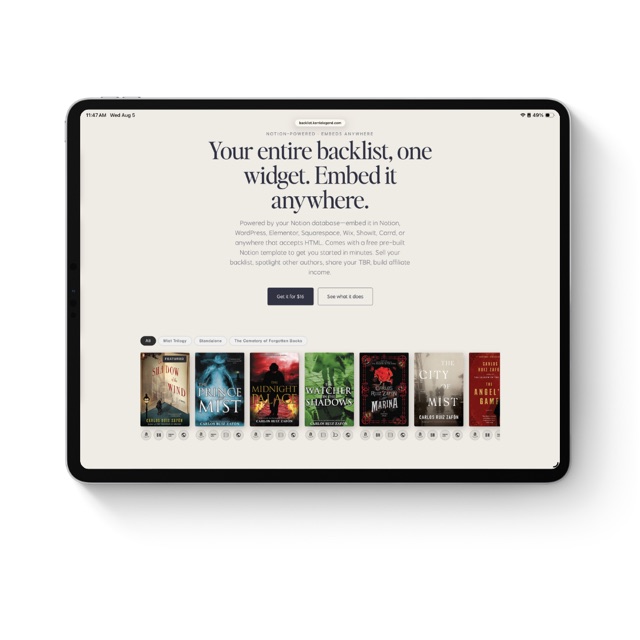
Your entire backlist, one widget. Embed it anywhere.
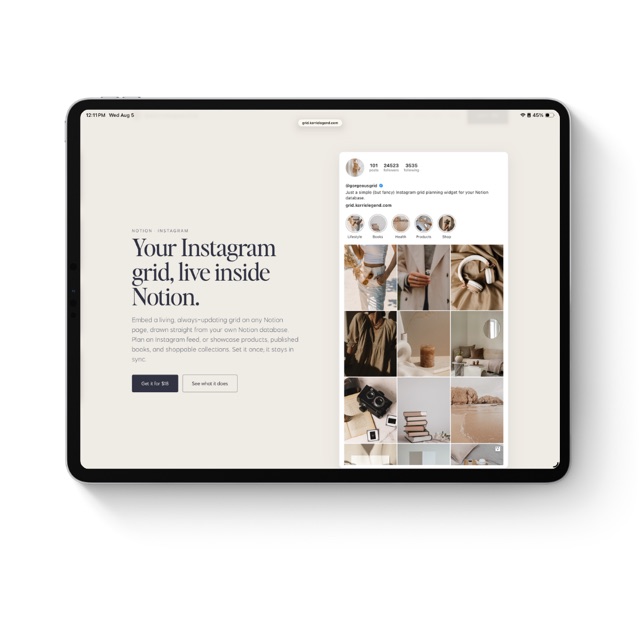
Your Instagram grid, live inside Notion.
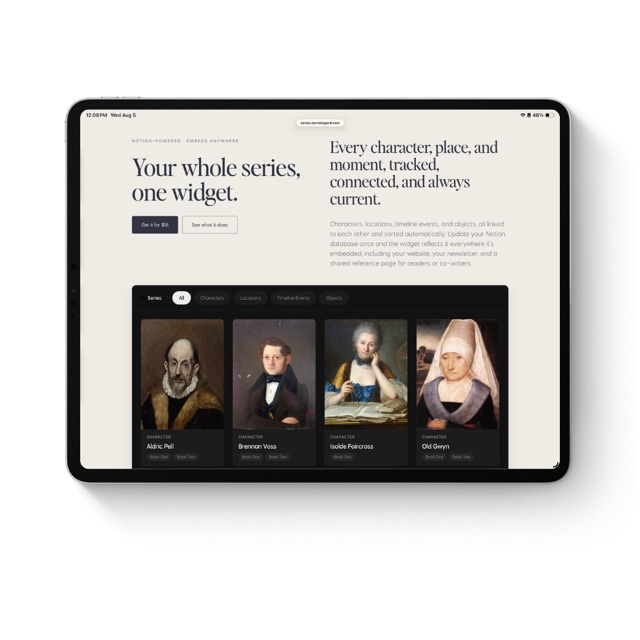
Your whole series, one widget.
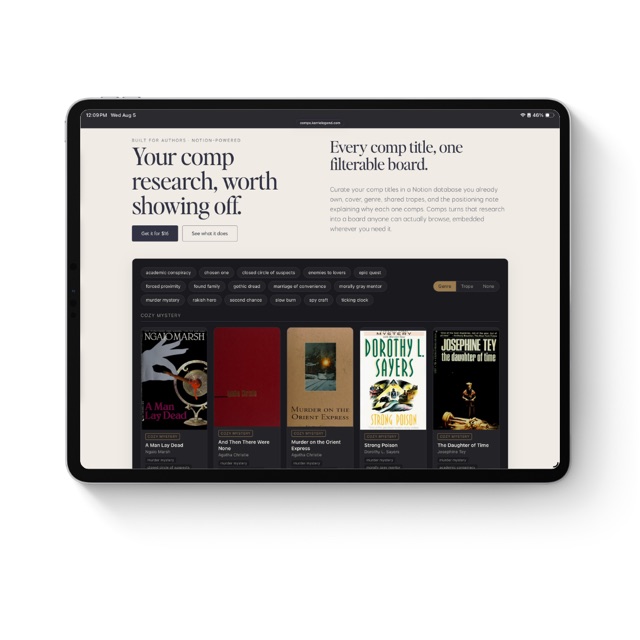
Your comp research, worth showing off.
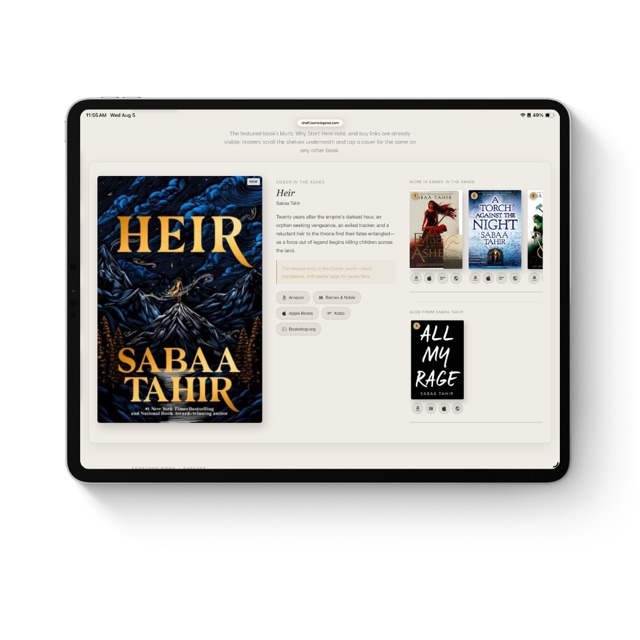
Your featured book, your shelves, one widget. Embed it anywhere.
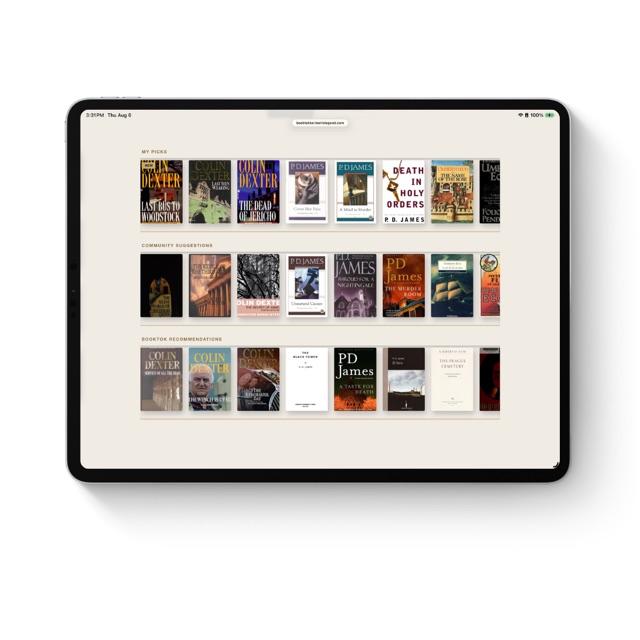
Your TBR, three shelves, one widget. Embed it anywhere.
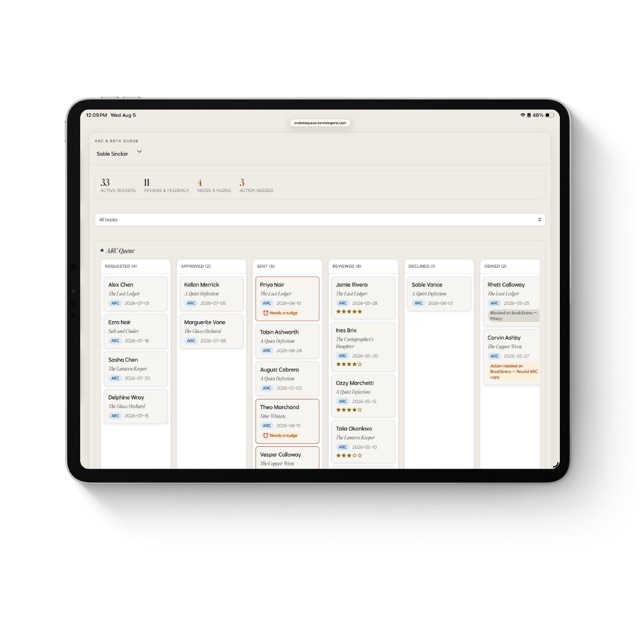
The reader tracker that tells you who needs a nudge.
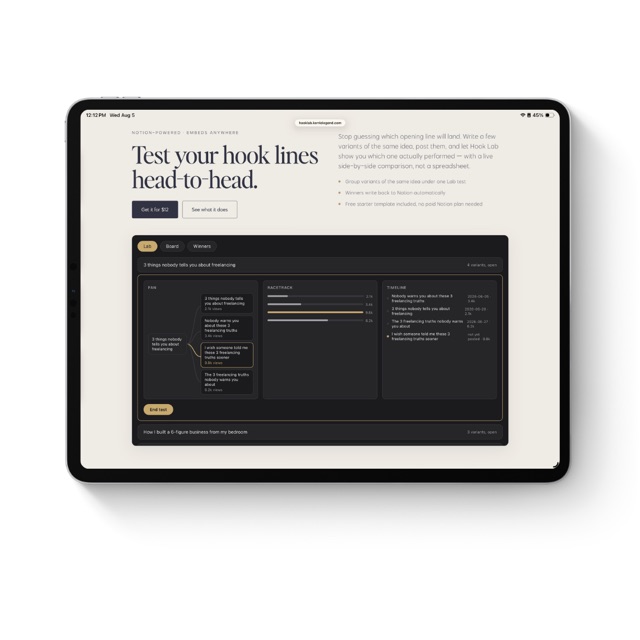
Test your hook lines head-to-head.
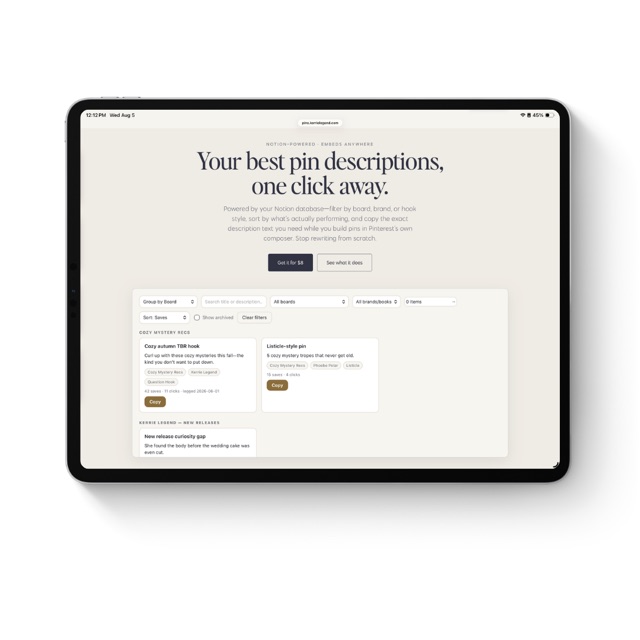
Your best pin descriptions, one click away.
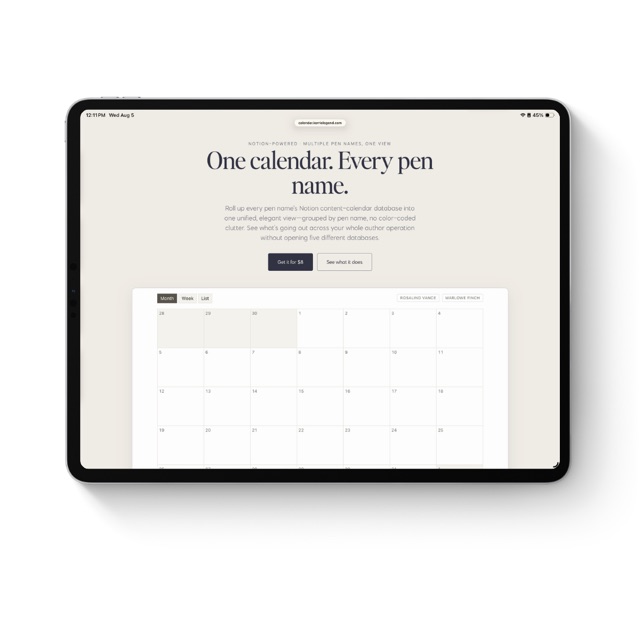
One calendar. Every pen name.
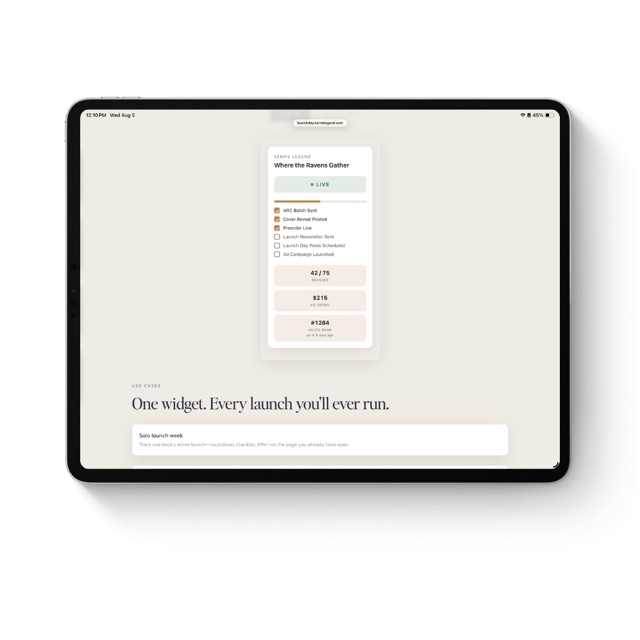
Your launch week, one glance in Notion.
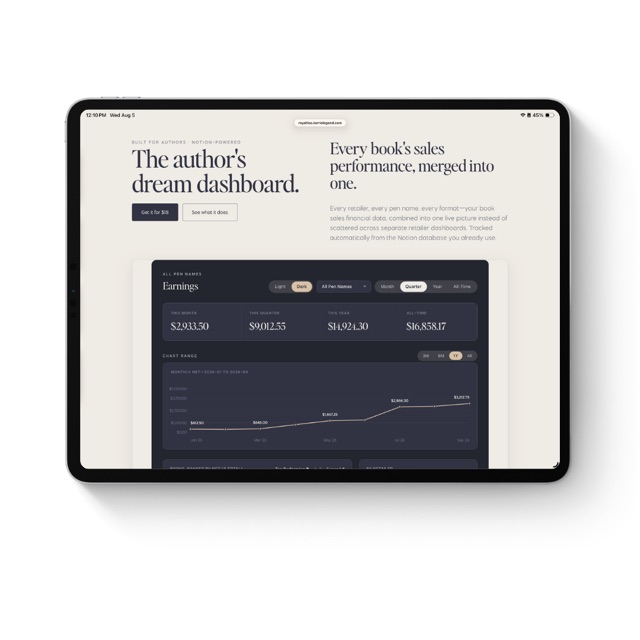
Every retailer, every pen name, one live royalty dashboard.